Workflow automation with n8n, AI agents and Google Workspace

We automate the repetitive work that sits between your tools: n8n workflows, AI agents that read documents and messages and act on them, Google Workspace automation with Apps Script, and integrations between the systems you already pay for.

Who this is for

  • Operations teams copying data between spreadsheets, inboxes and a CRM by hand
  • Founders who want an AI agent to triage requests, draft replies or pull data out of documents
  • Companies on Google Workspace that want scheduling, documents or onboarding to run on their own
  • Teams whose Zapier or Make setup has become expensive or hard to change

Problems we solve

The same data is typed into three systems

We connect the systems through their APIs so a record entered once reaches everywhere it needs to be.

Requests pile up in a shared inbox

An AI agent can classify incoming email or chat, extract the details and route or draft a reply, with a person approving anything that goes out.

Documents are assembled by hand

Proposals, reports and onboarding paperwork can be generated from templates and live data in Google Docs and Drive.

An automation fails and nobody notices

We add error handling, retries and alerts so a broken step is reported instead of silently dropping work.

What you get

  • Working workflows in n8n (self-hosted or n8n Cloud), Zapier, Make, Apps Script or code, whichever fits the job
  • AI agent steps with the model, prompts and approval points written down
  • Error handling, retries and alerts for every workflow
  • Documentation and a handover session so your team can run and change it

How we work

  1. Map the current workflow and where the time goes
  2. Agree the scope and what a finished automation does
  3. Build and test against sample data
  4. Deploy with monitoring and alerts
  5. Document and hand over

Stack

  • n8n
  • Zapier
  • Make
  • Google Apps Script
  • Google Workspace APIs
  • Dialogflow
  • Gemini
  • Firebase
  • Python
  • Node.js

Related work

Google Workspace Automation

Google Workspace Automation

A Google Workspace automation for a consulting firm that handles meeting scheduling, proposal drafting and new hire onboarding through an AI chatbot connected to Calendar, Sheets, Drive and Chat.

Key features

  • Automated meeting scheduling
  • AI-driven proposal generation
  • New hire onboarding automation
  • Dialogflow
  • Apps Script
  • Google Chat API
  • Google Sheets API
  • +4
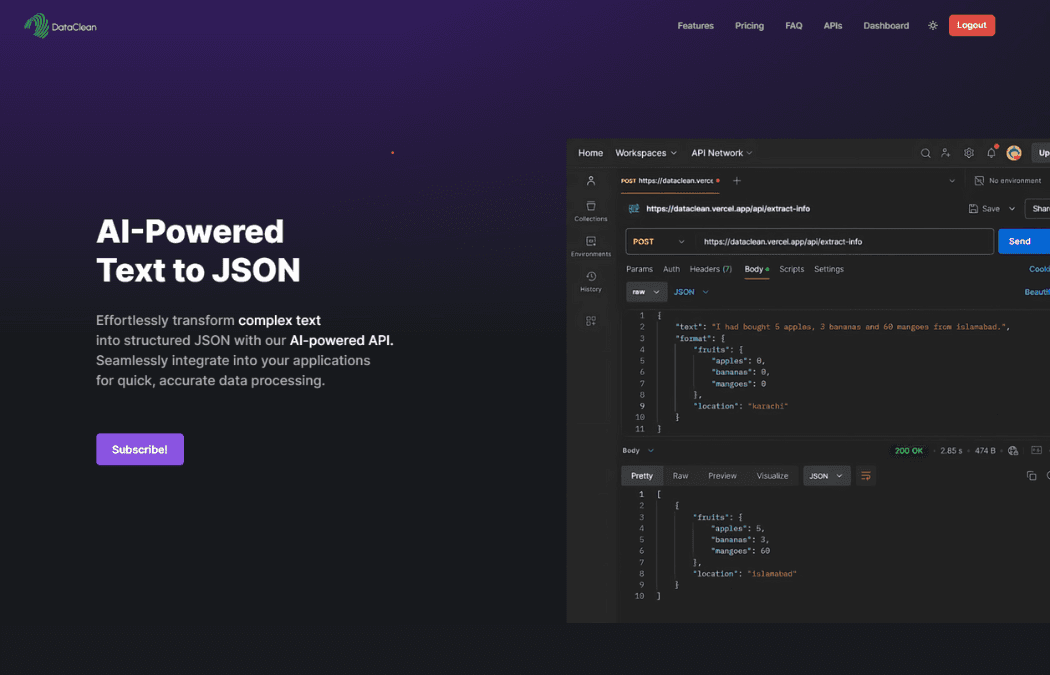
DataClean screenshot

DataClean

An AI data cleaning and structuring service that turns unstructured text, PDFs and images into clean, structured JSON for teams that process documents in volume.

Key features

  • AI data extraction
  • PDF and DOCX processing
  • OCR capabilities
  • Next.js
  • Firebase
  • Node.js
  • Stripe
  • +4

Case studies

Guides and comparisons

Frequently asked questions

Do you build automations in n8n, Zapier or Make?

Mostly n8n, which suits teams that want to self-host, keep data on their own servers or avoid per-task pricing. When your team already runs Zapier or Make and the workflow is simple, we can work there instead, and when no platform fits we write the integration in code.

What can an AI agent actually do in a business workflow?

Useful agents do narrow jobs: read an email or document, pull out the fields that matter, classify the request, look something up and draft a response or update a record. We keep a person in the loop for anything that sends, pays or deletes.

Can you automate Google Workspace?

Yes. We have built scheduling, proposal generation and onboarding automations on Google Workspace using Apps Script and the Calendar, Sheets, Docs, Drive and Chat APIs, with an AI chatbot as the interface.

How much does an automation project cost?

It depends on how many systems are involved and how much judgement the workflow needs. We quote after a short scoping conversation. Automating a single workflow first is a sensible way to start.

Start with a short description of the job

Tell us what you want to automate and which tools you use today. We reply by email. You can also write to support@codex-labs.dev.